Downloading in 5s...
If download doesn't start automatically,
click here for direct link
Why Choose Wabees?
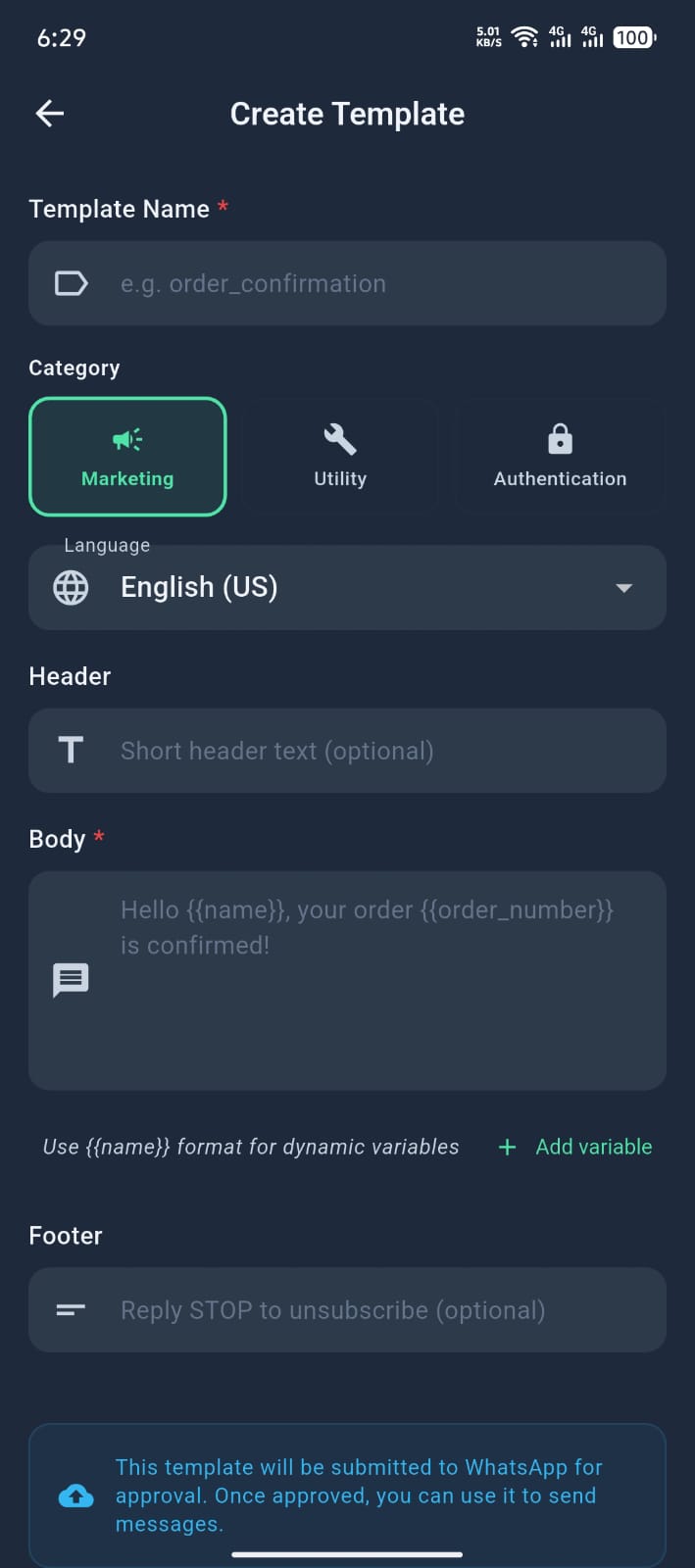
Smart Automations
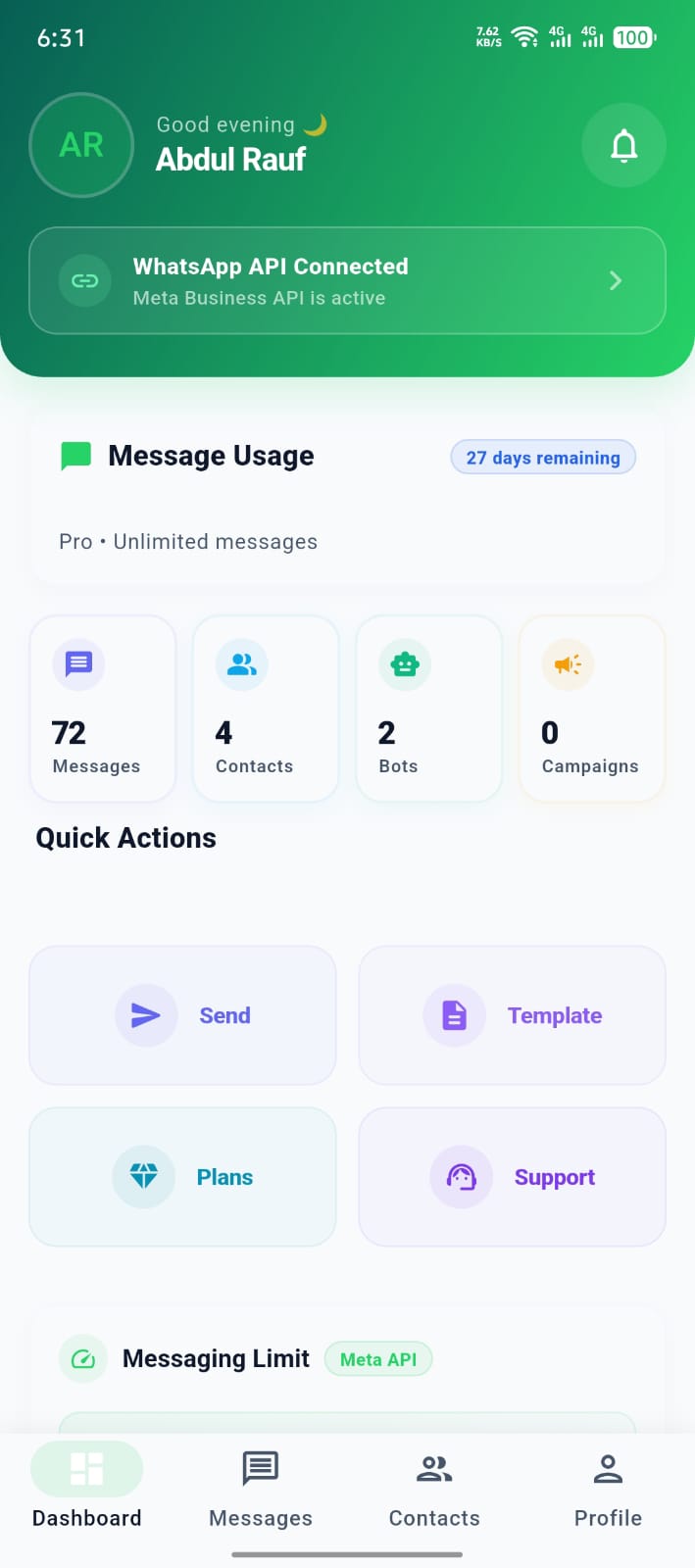
Auto-replies, keyword bots, and templates to save time and boost conversions.
Campaign Manager
Send targeted broadcasts with delivery and read insights.
Anti‑ban Safety
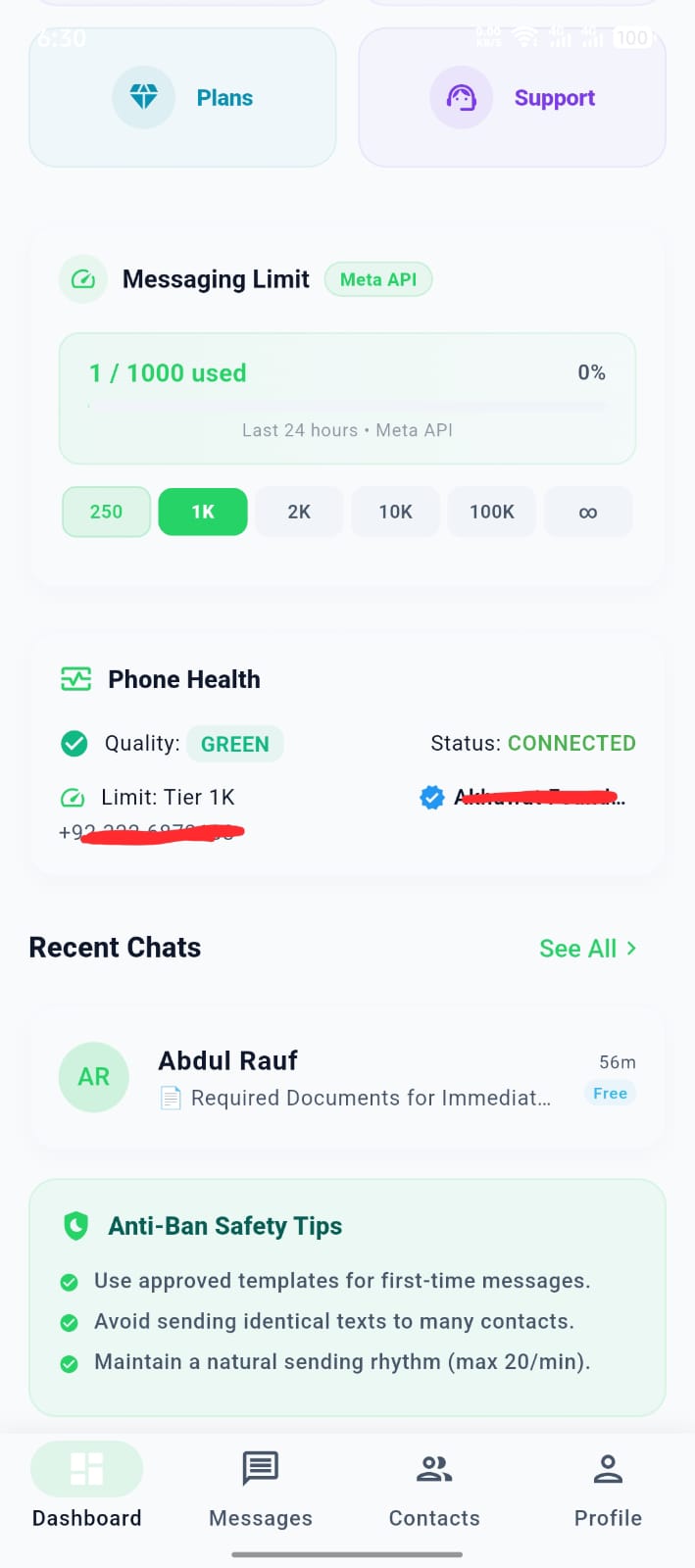
Built‑in limits and safe‑send patterns to keep your number healthy.
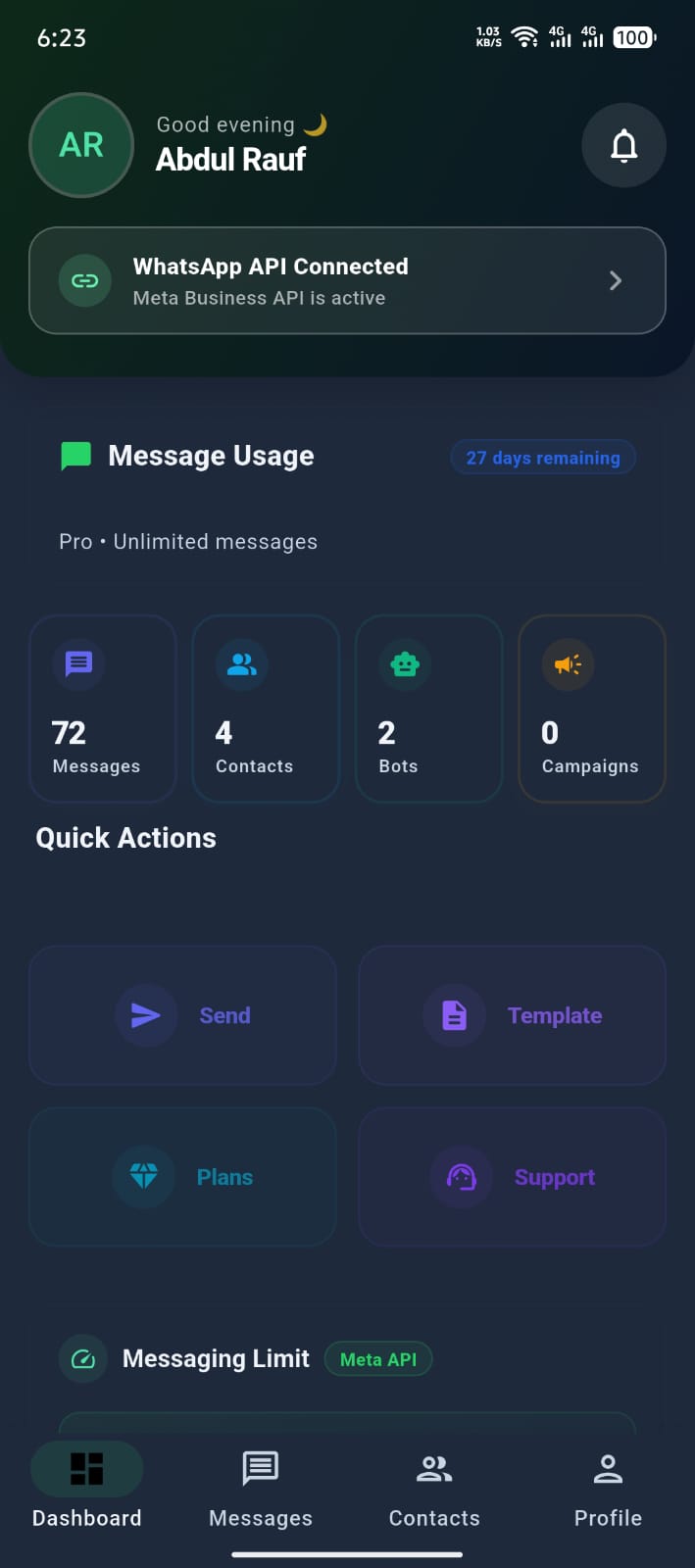
Analytics
Track usage, messaging limits and growth in real time.
Priority Support
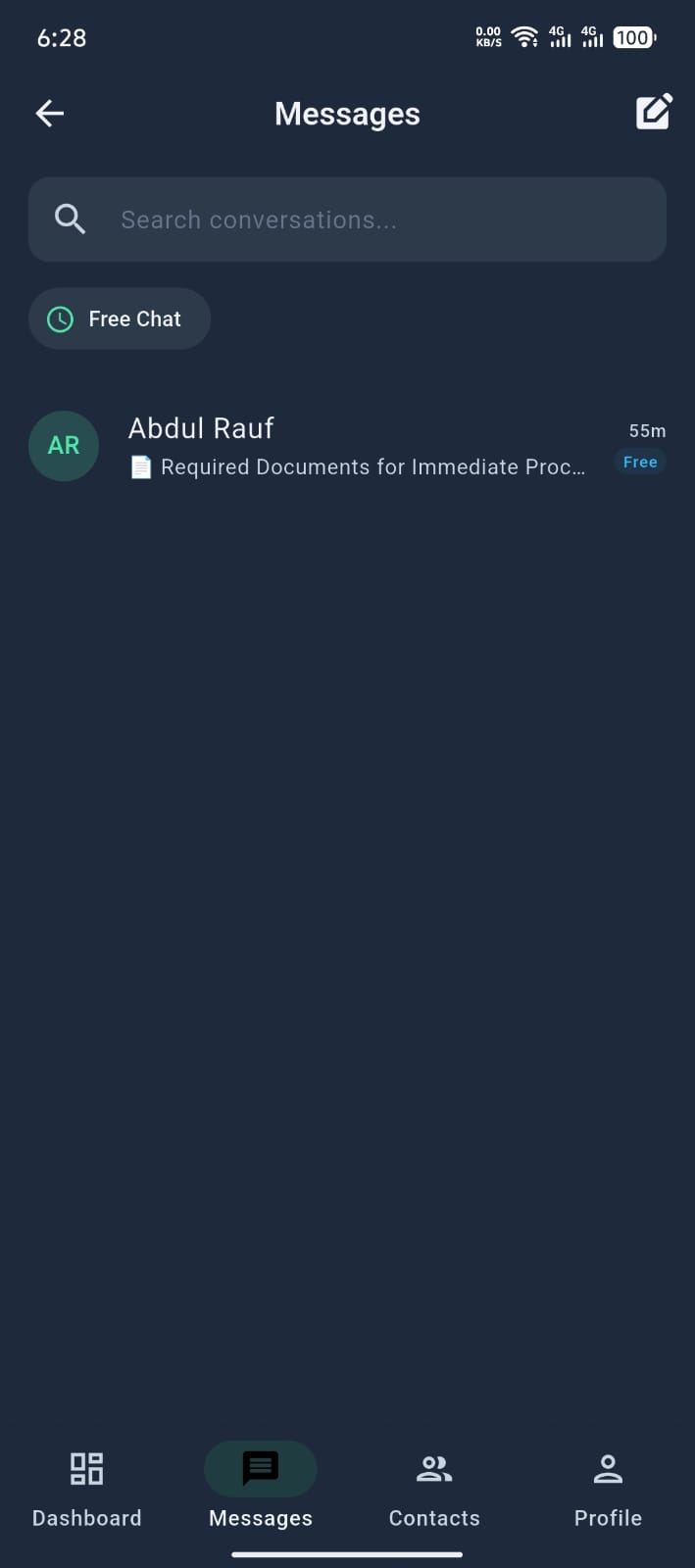
In‑app support chat for quick help and plan approvals.
Secure by Design
No direct file links; downloads stream via secure endpoint.
Screenshots
WhatsApp Cloud API Setup Guide
Follow these steps to connect your WhatsApp Business API with Wabees.
https://api.wabees.live/api/webhook.php
wabees_webhook_verify_2024
Open Meta Developer → Your App → WhatsApp → Configuration.
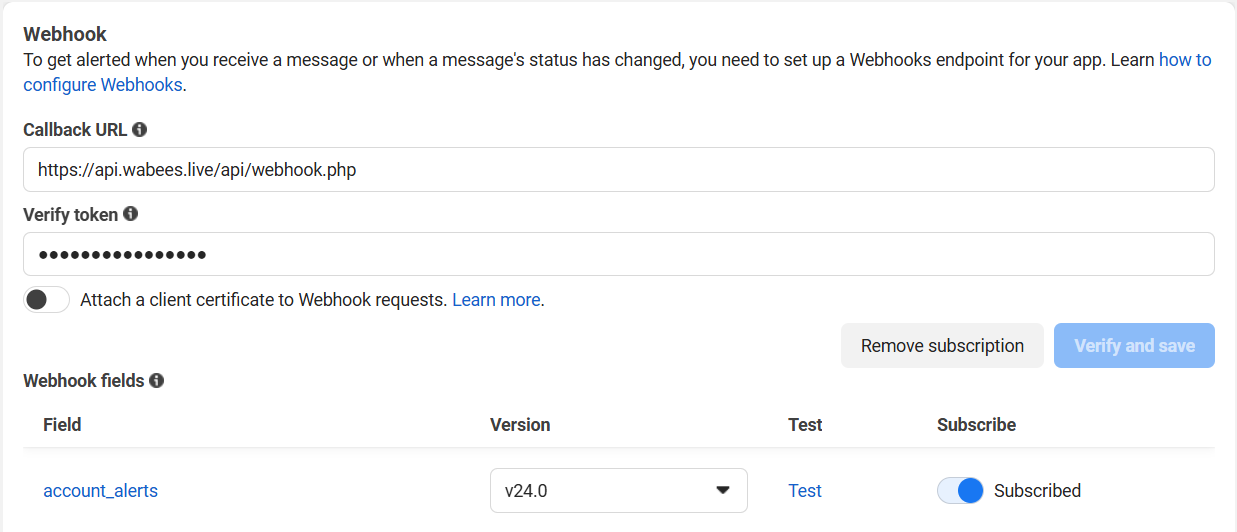
Under Webhooks, set Callback URL to https://api.wabees.live/api/webhook.php and Verify Token to
wabees_webhook_verify_2024, then click Verify and Save.
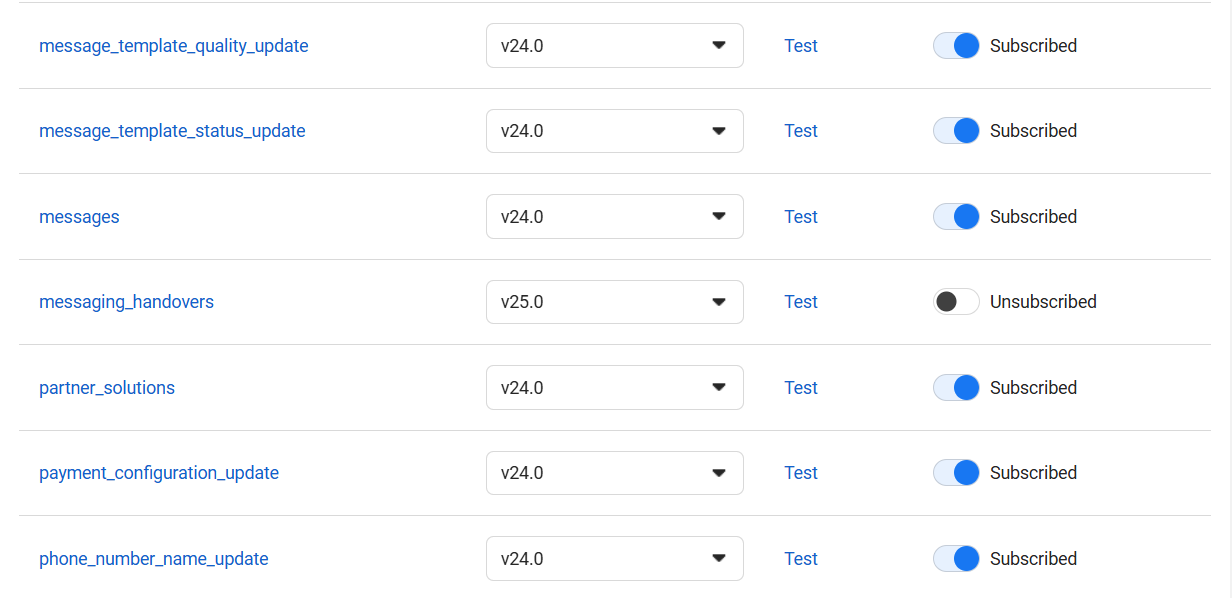
In Webhooks → Subscriptions, enable the messages field for your WhatsApp Business Account.
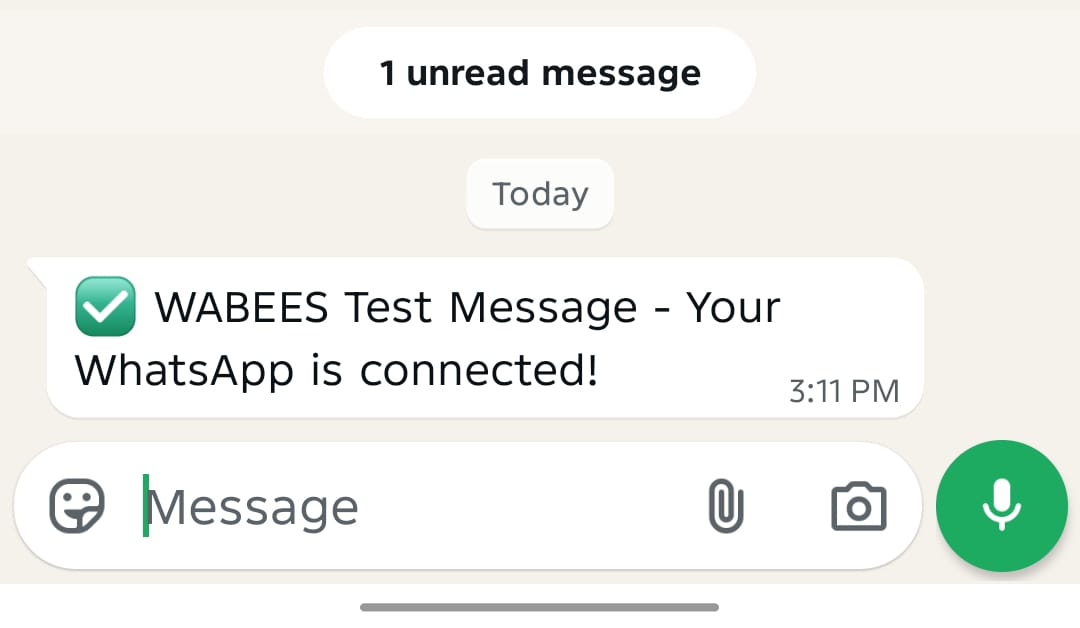
Send a test message to your connected number. You can also WhatsApp +923088498449 with the word HELP to see the help menu.